Quick Prompt
Something to say, right now?
Press ⌥P in any app, type or paste a few lines, and press Return. No script to set up first. You can change the shortcut in Settings.

A teleprompter for your Mac
Unhurried keeps your script in a small prompter just below your camera, so you can look at people and still know what comes next.

Right under your camera
The prompter floats just below your camera, tucked under the notch if your Mac has one. It stays above Zoom, Keynote and full-screen apps, and it remembers its size and place on each display.
Turn on click-through to work behind it, or mirror the text for a beam-splitter rig.
Your pace, not the script’s
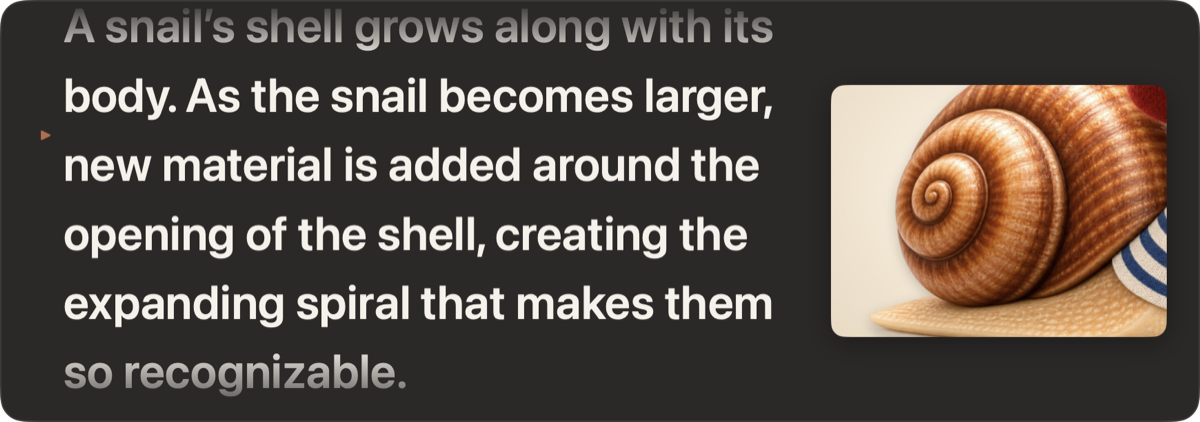
Choose your pace in words per minute. The script takes exactly as long to scroll as it takes you to say it, whatever the font size or window width.
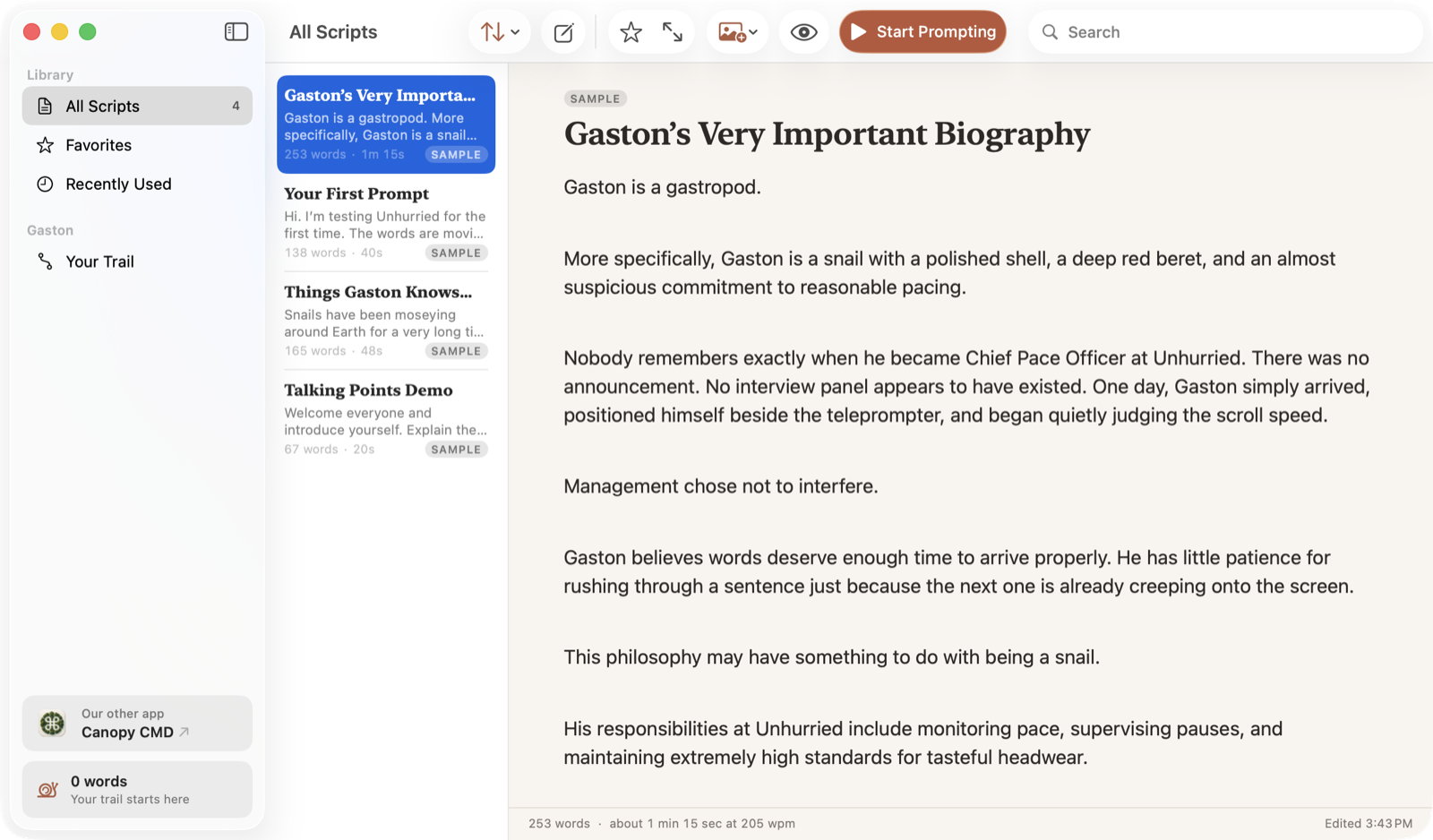
Quick Prompt
Press ⌥P in any app, type or paste a few lines, and press Return. No script to set up first. You can change the shortcut in Settings.
Talking Points
Prefer to speak freely? Show one point at a time and press Space when you’re ready for the next.
Visual Cues
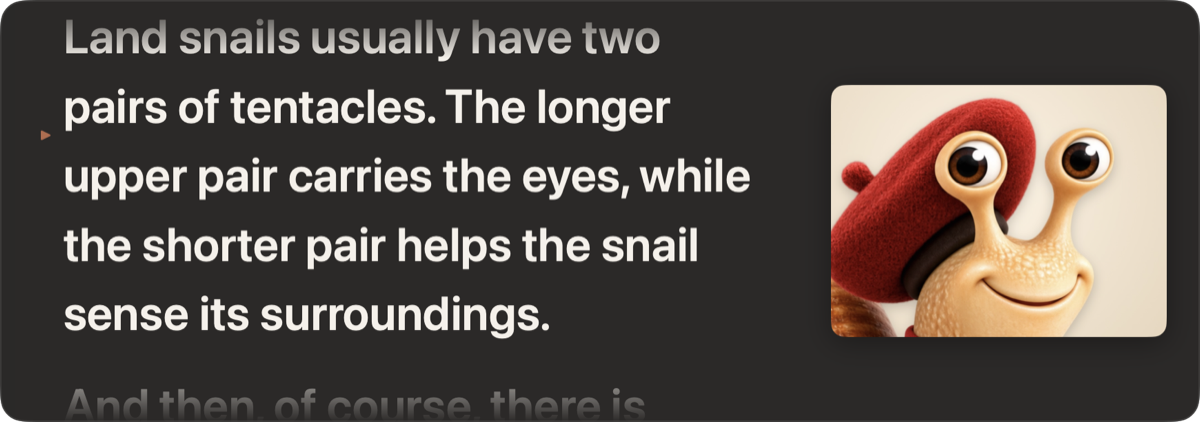
Attach an image to any paragraph. It appears beside your words when you reach it, then steps aside.
Share Safe
If a meeting or screen-recording app is open on screen, Unhurried gives you a gentle reminder, so you can share a single window instead of your whole display.
Meet Gaston
He wears the beret. We stopped asking questions.
Every word you prompt moves Gaston a little further along his trail, from a garden path all the way to an observatory at a million words. There’s no streak to break and nothing to lose. He just keeps going, like you.
 Garden PathFrom your first word
 Wildflower Field5,000 words
 Woodland Trail25,000 words
 Creek Crossing100,000 words
 Hillside250,000 words
 Vineyard Lane500,000 words
 Mountain Overlook750,000 words
 The Long View1,000,000 words
Private by design
Open it and start. There’s nothing to sign up for.
Scripts, images and progress live on your Mac, and nowhere else.
No analytics, no ads. The app doesn’t even use the network.